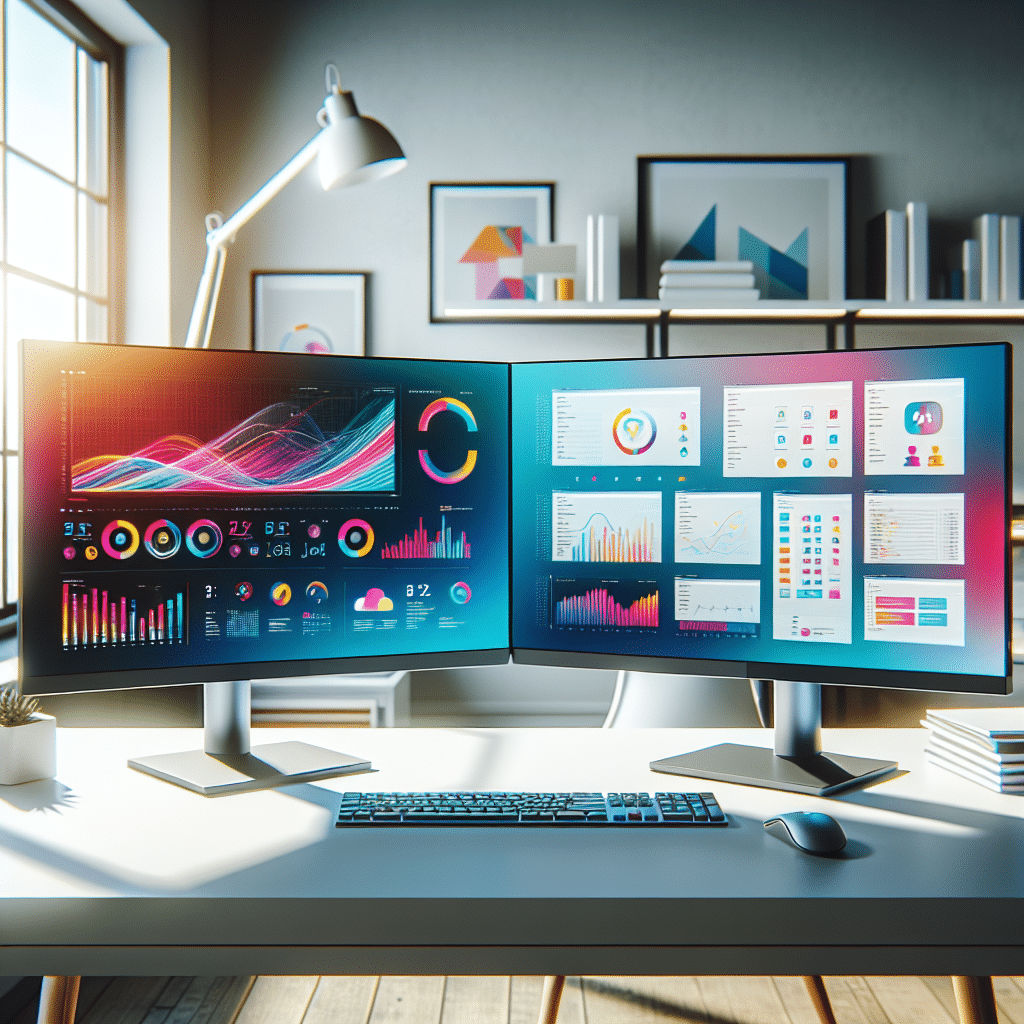
Why Use a Dual Monitor Setup?
Working with dual monitors has become increasingly popular among professionals in various fields. This setup not only enhances productivity but also supports multitasking more effectively. Users can spread their applications across two screens, allowing for better organization and accessibility. Research indicates that dual monitors can increase productivity by up to 30%, making this an appealing option for many.
Key Benefits of Dual Monitor Setups
Enhanced Visibility and Space
One of the most significant advantages of dual monitors is the expanded screen real estate they provide. When multiple applications run simultaneously on different screens, users can easily switch between tasks without minimizing or closing windows. This visibility eliminates the frustration of tab-switching and allows for smoother workflows.
Improved Focus and Reduced Context Switching
Context switching — the process of toggling between different tasks — can be detrimental to productivity. It can waste as much as 40% of your total working time. Having two monitors minimizes the need for constant context switching, allowing users to keep related documents, apps, or data side by side, thereby maintaining focus and a more cohesive workflow.
Multitasking Made Easy
Whether you’re working on a presentation, analyzing data, or coding, dual monitors make it easier to handle multiple tasks. You can have your primary task in front of you while pertinent supplementary information is displayed on the secondary monitor. This method allows you to effectively multitask without losing concentration on your main work.
Improved Collaboration
Dual monitor setups can also facilitate easier collaboration with colleagues. When working on a project, one monitor can display shared documents or presentations while the other can show video conferencing tools or chat applications. This arrangement ensures clear communication and effortless collaboration.
Choosing the Right Dual Monitor Setup
To maximize productivity, it’s essential to choose the right monitors based on your work style and requirements. Here are some factors to consider:
Monitor Size and Resolution
When selecting monitors, consider both size and resolution. An ideal size for productivity is between 24 inches to 32 inches, as these offer ample screen space without overwhelming your desk. The resolution is also key; Full HD (1920×1080) is standard, while 4K (3840×2160) provides even sharper images and more screen space.
Aspect Ratio
The aspect ratio can affect how much space you have for your applications. A standard 16:9 ratio is common, but ultra-wide monitors (21:9 or wider) can provide even more horizontal space, which is beneficial for tasks like video editing or coding where side-by-side application use is frequent.
Panel Types
There are various panel types to consider:
-
TN (Twisted Nematic): Budget-friendly with faster response times, but poorer color accuracy and viewing angles.
-
IPS (In-Plane Switching): Offers superior color reproduction and wider viewing angles, making it suitable for design work.
-
VA (Vertical Alignment): Balanced performance with good color depth and contrast ratios, suitable for multi-purpose setups.
Connectivity
Make sure the monitors you choose have the right ports for your needs (HDMI, DisplayPort, USB-C). If you intend to connect them to a laptop or desktop, ensure that your device supports the required output types for seamless setup.
Ergonomic Positioning
Ergonomics play a critical role in ensuring productivity and comfort. Align the top of your monitors at or slightly below eye level, with the screens about an arm’s length away. Adjustable monitor arms can help to achieve the perfect setup, allowing for flexible adjustments based on your preferences.
Recommended Dual Monitor Setups
For the Financial Analyst: High-Resolution Dual Monitors
A financial analyst requires precise data readings. A pair of 27-inch 4K IPS monitors, such as the Dell UltraSharp U2720Q, provide crisp visuals that enhance data analysis. The high resolution means charts and spreadsheets can be clearly displayed without any blurriness.
- Monitors: Dell UltraSharp U2720Q
- Main Task: Financial modeling and data visualization
- Secondary Task: Monitoring market news or collaboration tools like Slack
For the Graphic Designer: Color-Accurate Dual Monitors
Color accuracy is crucial in graphic design. A dual monitor setup featuring the BenQ PD3220U will ensure colors are true-to-life. With both monitors set to the same specifications, designers can easily drag and drop elements across screens without worrying about disparity in color output.
- Monitors: BenQ PD3220U
- Main Task: Design projects in Adobe Creative Suite
- Secondary Task: Reference materials or inspiration boards
For Software Developers: Productivity Dual Monitors
Software developers can exponentially increase their coding efficiency with a dual-monitor setup like the LG 29WN600-W. This ultra-wide monitor allows ample space for coding on one side while simultaneously running debugging tools or documentation on the other.
- Monitors: LG 29WN600-W
- Main Task: Coding and software development
- Secondary Task: Documentation or debugging tools
For Content Creators: Multi-Purpose Dual Monitors
For content creators, a versatile dual monitor setup is essential. The ASUS ProArt PA278QV offers excellent color accuracy and wide viewing angles, making it perfect for video editing and image manipulation. Paired with a standard 23.8-inch monitor, creators can edit videos while keeping scripts or social media posts open on the secondary screen.
- Monitors: ASUS ProArt PA278QV plus a secondary monitor
- Main Task: Video editing and graphic design
- Secondary Task: Script-writing or social media interaction
Tips for Maximizing Your Dual Monitor Setup
Use Productivity Software
Utilizing productivity software can enhance your dual monitor experience. Applications such as DisplayFusion or AquaSnap enable users to manage windows more effectively. You can snap applications to specific screens, keep track of tasks, or even create custom shortcuts that enhance your workflow.
Organize Your Desktop Efficiently
Organizing the desktop layout can save you time. Use virtual desktops or taskbar groups to declutter your workspace. Keep frequently used applications easily accessible on one monitor, while less critical tasks can reside on the other.
Set Up Monitor Profiles
Using different monitor profiles can help tailor your experience based on your current tasks. For instance, a graphic designer could create a profile with specific color settings for design work and another profile for general browsing.
Regular Breaks and Eye Care
While dual monitors can significantly improve productivity, they can also lead to eye strain. Follow the 20-20-20 rule: every 20 minutes, look at something 20 feet away for 20 seconds. Additionally, consider blue light filters or screen protectors to reduce fatigue.
Evaluate Regularly
Make it a habit to evaluate your dual monitor setup every few months. Assess whether your current monitors still meet your needs, if they require adjustment, or if additional accessories could improve your workflow.
Common Misconceptions About Dual Monitor Setups
They Are Only for Tech Professionals
While dual monitors are incredibly beneficial for IT and tech jobs, they are also valuable in fields like education, finance, marketing, and more. Any profession that requires multitasking can benefit from this setup.
They Take Up Too Much Space
While they do take more desk space than a single monitor, space-saving solutions like wall mounts or adjustable arms can optimize physical space, allowing for greater organization without compromising productivity.
They Are Difficult to Set Up
Modern operating systems simplify the dual monitor setup process. Most computers can automatically configure monitor settings, and user-friendly interfaces guide the user through adjustments.
Final Thoughts on Dual Monitor Productivity
Implementing a dual monitor setup is an investment in your productivity, enhancing your ability to multitask and focus. With the right selection of monitors, careful planning of your workspace, and an awareness of best practices, you will find yourself working smarter, not harder. Embrace the dual monitor lifestyle, and watch your productivity soar!