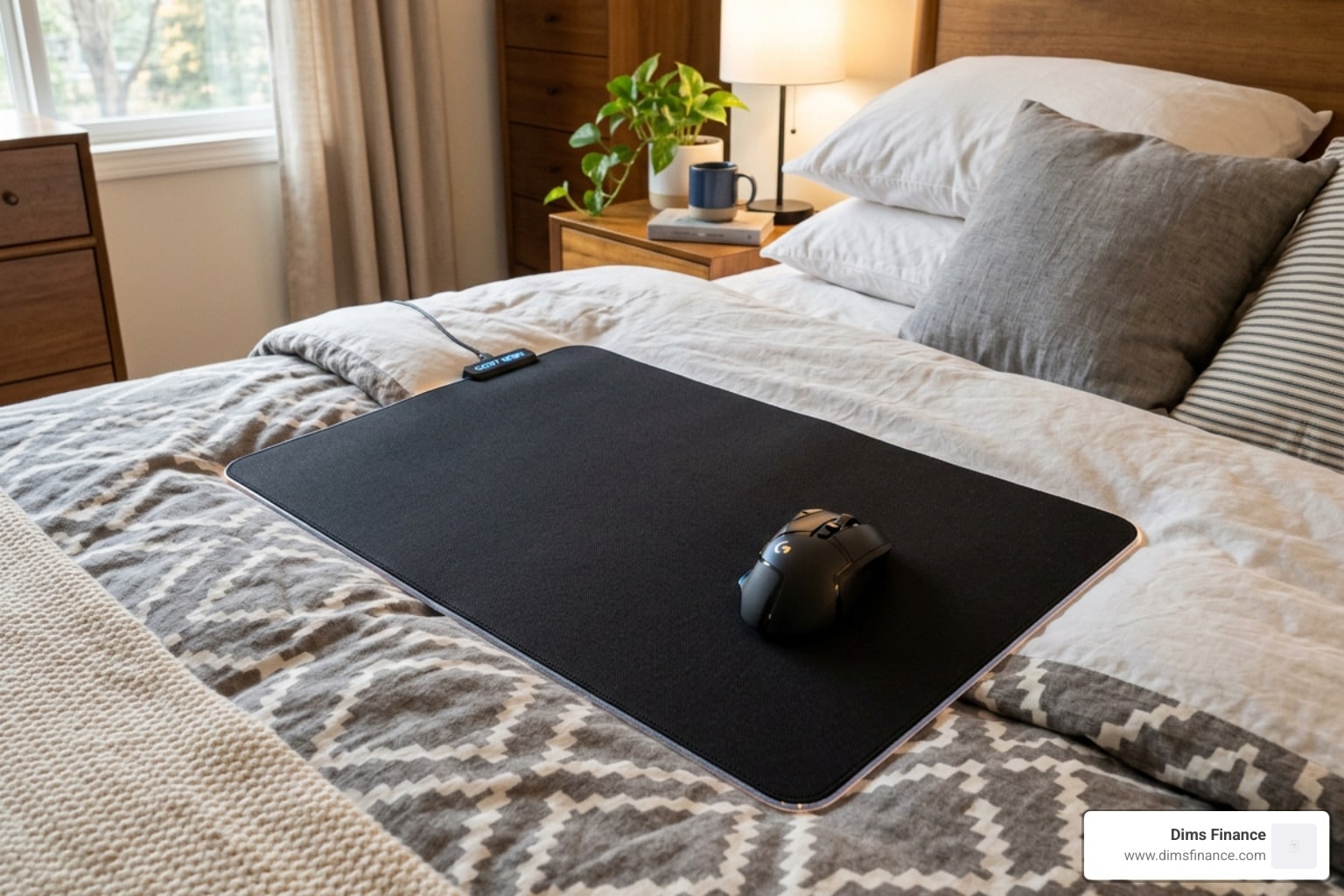
Gaming or Working in Bed? Here’s What You Actually Need
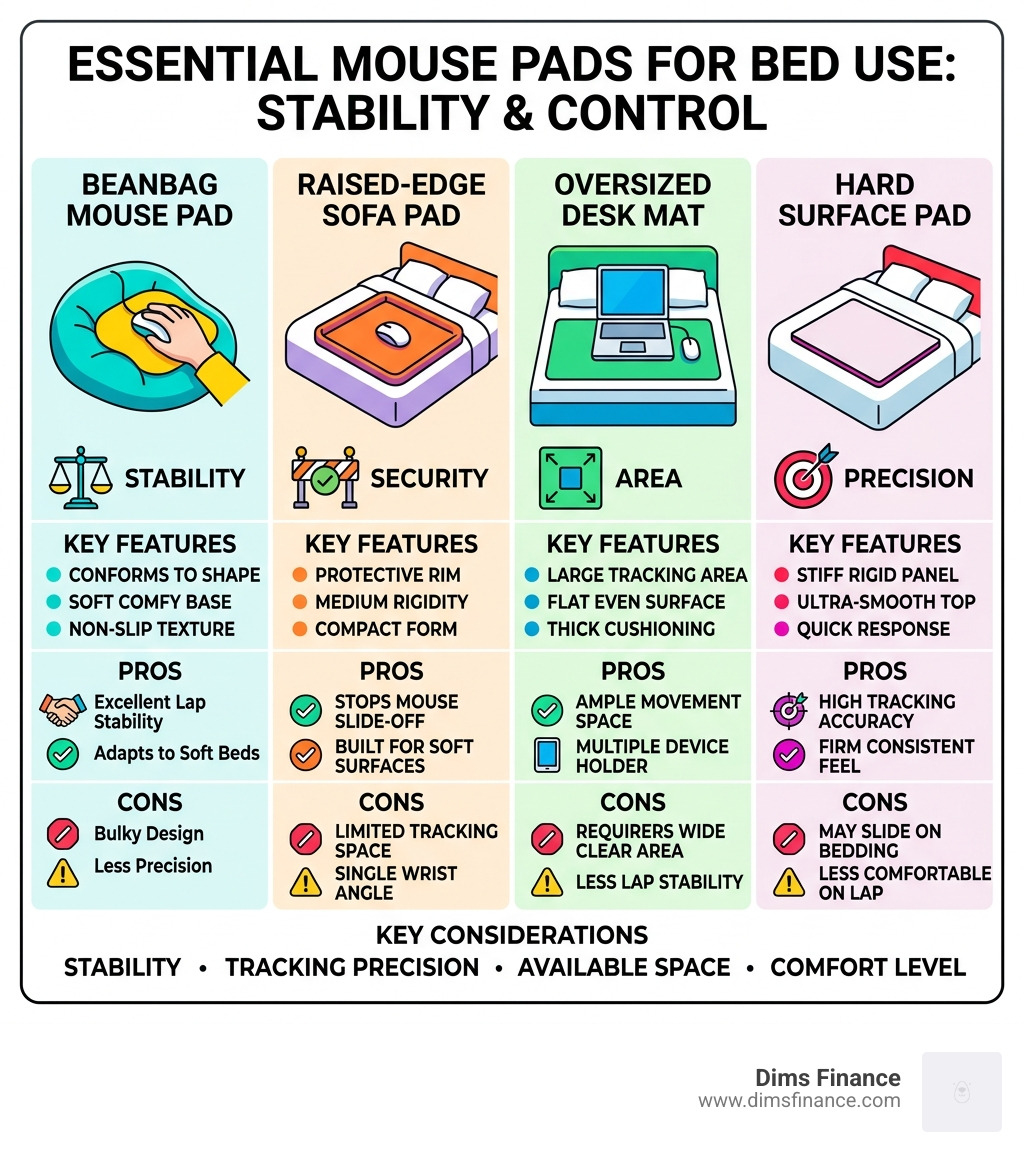
The best mouse pad for bed use depends on your setup, but here are the top options to know:
| Type | Best For | Example |
|---|---|---|
| Beanbag mouse pad | Lap stability on soft surfaces | MOJO Beanbag Mousepad |
| Raised-edge sofa pad | Preventing mouse slide-off | Sofa Mouse Pad (Kikkerland) |
| Oversized desk mat | Wide tracking area on bed | Large neoprene desk mats |
| Hard surface pad | Precision tracking | Resin or aluminum pads |
Working or gaming from bed sounds relaxing — until your mouse slides off the duvet for the third time.
Standard flat mouse pads were designed for desks. Firm, flat, predictable surfaces. A bed is none of those things. Blankets shift, mattresses sink, and your wrist ends up at a weird angle that your future self will not thank you for.
This is a real problem for a lot of people. One gamer on Famiboards described needing “a larger and more solid surface” after trying to use a mouse controller directly on their pants while gaming in bed. Sound familiar?
The good news: there are purpose-built solutions — from beanbag-style pads that conform to your lap, to raised-edge pads that keep your mouse from escaping. With over 635 products available under “bed mouse pad” searches on Amazon alone, the options are wide. But not all of them actually work well on soft surfaces.
Below, we break down what does.
Why You Need a Specialized Mouse Pad for Bed Use
When we talk about a mouse pad for bed, we aren’t just talking about a piece of cloth with a pretty design. We’re talking about a structural solution to a physics problem. On a desk, gravity is your friend. On a bed, gravity is trying to pull your mouse into the dark abyss between the mattress and the wall.
The primary challenge of bed computing is surface stability. Most standard mouse pads are thin and flexible. If you place them on a plush comforter, they sink into the fabric, creating “valleys” that make it impossible for your mouse to track accurately. This is where specialized designs like raised edges and beanbag bases come into play.
A raised edge acts like a guardrail, ensuring that even if your bed isn’t perfectly level, your mouse stays within the tracking zone. Meanwhile, a beanbag base allows the pad to “mold” to the uneven terrain of your blankets or the curve of your lap. This creates a flat micro-environment for your mouse to live in.
Beyond just keeping your mouse from sliding, these pads are crucial for health. Using a mouse on a soft, uneven surface often forces your wrist into “extension” or “flexion”—fancy words for bending your wrist back or forward too far. Over time, this repetitive stress can lead to Carpal Tunnel Syndrome or other musculoskeletal injuries. By using a stable, dedicated surface, you can maintain a neutral wrist position, which is the golden rule of ergonomic mouse mats 101.
The Best Beanbag Mouse Pad for Bed Stability
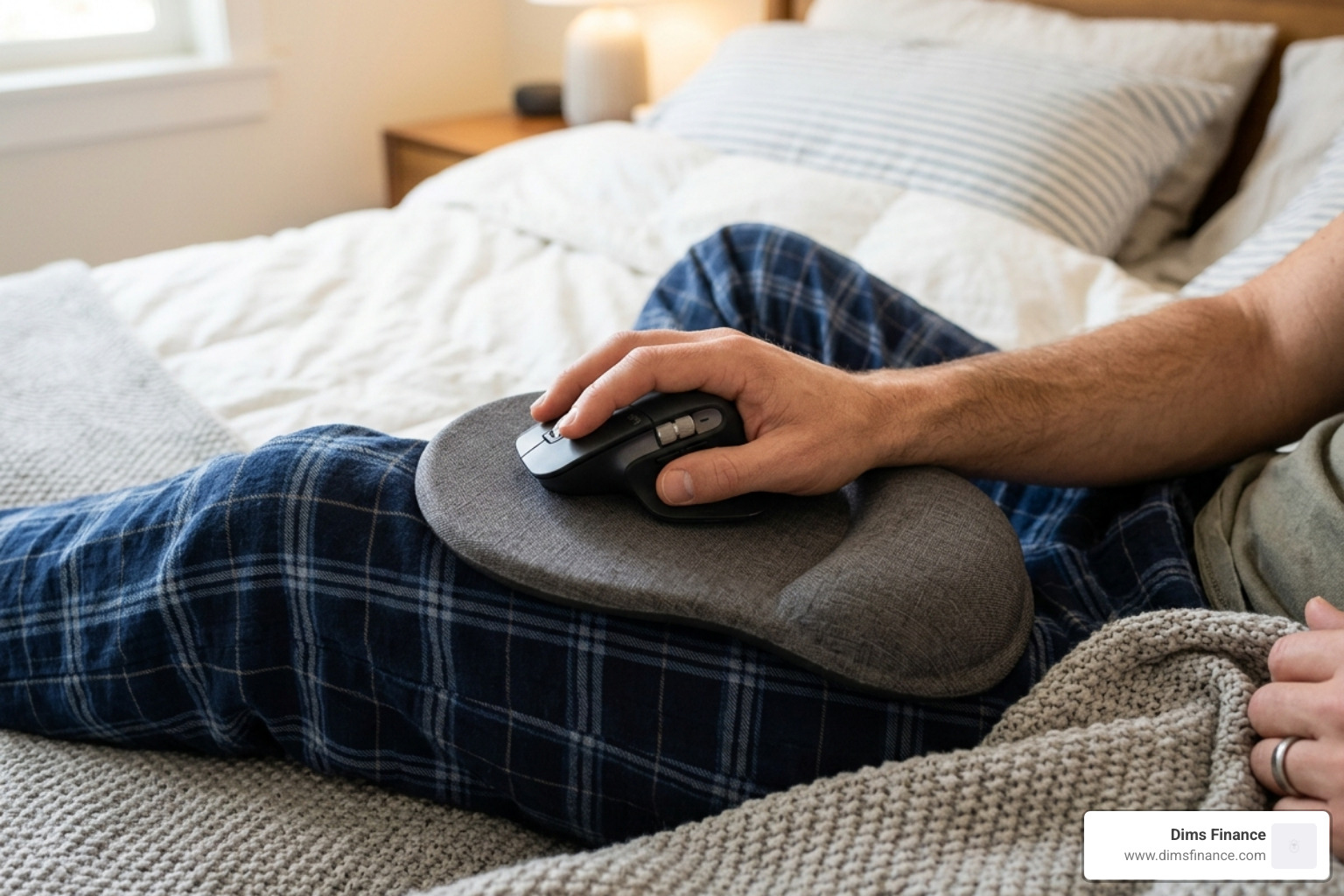
If you’ve ever tried to balance a book on your knee to use it as a desk, you know how frustrating lap-based computing can be. This is where the MOJO Beanbag Ergonomic Mousepad shines. It is widely considered one of the most versatile options for non-desk use.
With a 4.3-star rating from nearly 1,000 customers, this pad is designed specifically for “work from anywhere” flexibility. It weighs only 5 ounces, making it incredibly portable, but its 2-inch height beanbag cushion is the real star. The cushion is filled with material that allows it to contour perfectly to your leg, a pillow, or a bunched-up duvet.
The primary benefit here is the ability to achieve a neutral arm position. Because you can angle the beanbag, you aren’t forced to adapt your body to the mouse; the mouse adapts to you. This reduces stress in the wrists, elbows, shoulders, and neck. If you’ve been feeling that familiar “tingle” in your wrist after a late-night gaming session, wrist relief is here with the best ergonomic mouse pads that prioritize this kind of adaptive support.
Hard Surface vs. Soft Fabric Mouse Pad for Bed Use
Choosing between a hard surface and a soft fabric pad for bed use is a bit like choosing between a mountain bike and a road bike—it depends on the terrain.
Hard Surface Pads (Resin/Aluminum): These are excellent for beds because they provide their own structural integrity. A hard pad won’t bend when you click, which is vital for tracking accuracy. Optical sensors and laser mice need a consistent distance from the surface to work correctly. If the pad flexes, the sensor can “lose its place,” leading to jittery cursor movement. Hard pads are also much easier to clean if you happen to spill your midnight tea.
Soft Fabric Pads (Neoprene/Polyester): Fabric pads, like the Akko Lulu Liu MousePad, offer a “quieter” experience. Hard pads can be noisy, especially with mice like the Apple Magic Mouse, which can sound like a scraper on a hard surface. High-quality fabric pads with a thick rubber base can still work on a bed if they are oversized, as the weight of the pad helps it stay flat.
| Feature | Beanbag Base | Hard Resin/Aluminum | Oversized Desk Mat |
|---|---|---|---|
| Stability | Excellent on laps | Excellent on flat bedding | Moderate (needs heavy base) |
| Portability | High | High | Low (bulky) |
| Tracking | Very Good | Superior | Good |
| Cleaning | Spot clean only | Wipeable/Waterproof | Often machine washable |
Top-Rated Solutions for Bed and Couch Computing
When you’re looking for a mouse pad for bed, you’ll often find products marketed for “sofa” use. These are usually interchangeable. One of the most popular dedicated designs is the Sofa Mouse Pad (often sold by Kikkerland).
This pad is a masterclass in simple, effective design. It features a raised lip around the perimeter, which is a game-changer. If you’ve ever leaned back on a couch and watched your mouse slowly slide toward the floor, you’ll appreciate this feature. It also uses a non-slip wood base covered in fabric, providing a rigid surface that doesn’t feel cold or industrial. It’s small enough (26 x 15 cm) to fit on an armrest but stable enough to sit on a mattress.
For those who want something that feels a bit more “homey,” the Comfy Bed | Mouse Pad Desk Mat offers a blend of artistic design and functional 3mm neoprene. This thickness is key—it provides a soft landing for your wrist while being rigid enough to handle the slight “give” of a mattress.
Ergonomic Features for Reclined Productivity
When you are reclined in bed, your ergonomics change completely. You are no longer sitting at a 90-degree angle; your arms are likely resting at your sides or on your chest. This puts a different kind of pressure on your ulnar nerve.
To combat this, look for mouse pads with integrated wrist rests or polyfoam cushioning. Materials like PU leather are popular for bed use because they provide a premium feel and are generally more resistant to the oils and skin cells that naturally accumulate in a bed environment.
A good wrist rest helps prevent the “wrist drop” that happens when your hand is elevated on the mouse but your forearm is sinking into the mattress. This alignment is vital for reducing musculoskeletal stress. For a deeper dive into how these features protect you, check out our mouse pad with wrist rest review to find the right level of “squish” for your setup.
Aesthetic and Oversized Options for Soft Surfaces
Sometimes, the best mouse pad for bed isn’t a “bed mouse pad” at all, but an oversized desk mat. The logic is simple: a larger surface area distributes weight more evenly across the soft mattress, making the mat less likely to tilt or buckle.
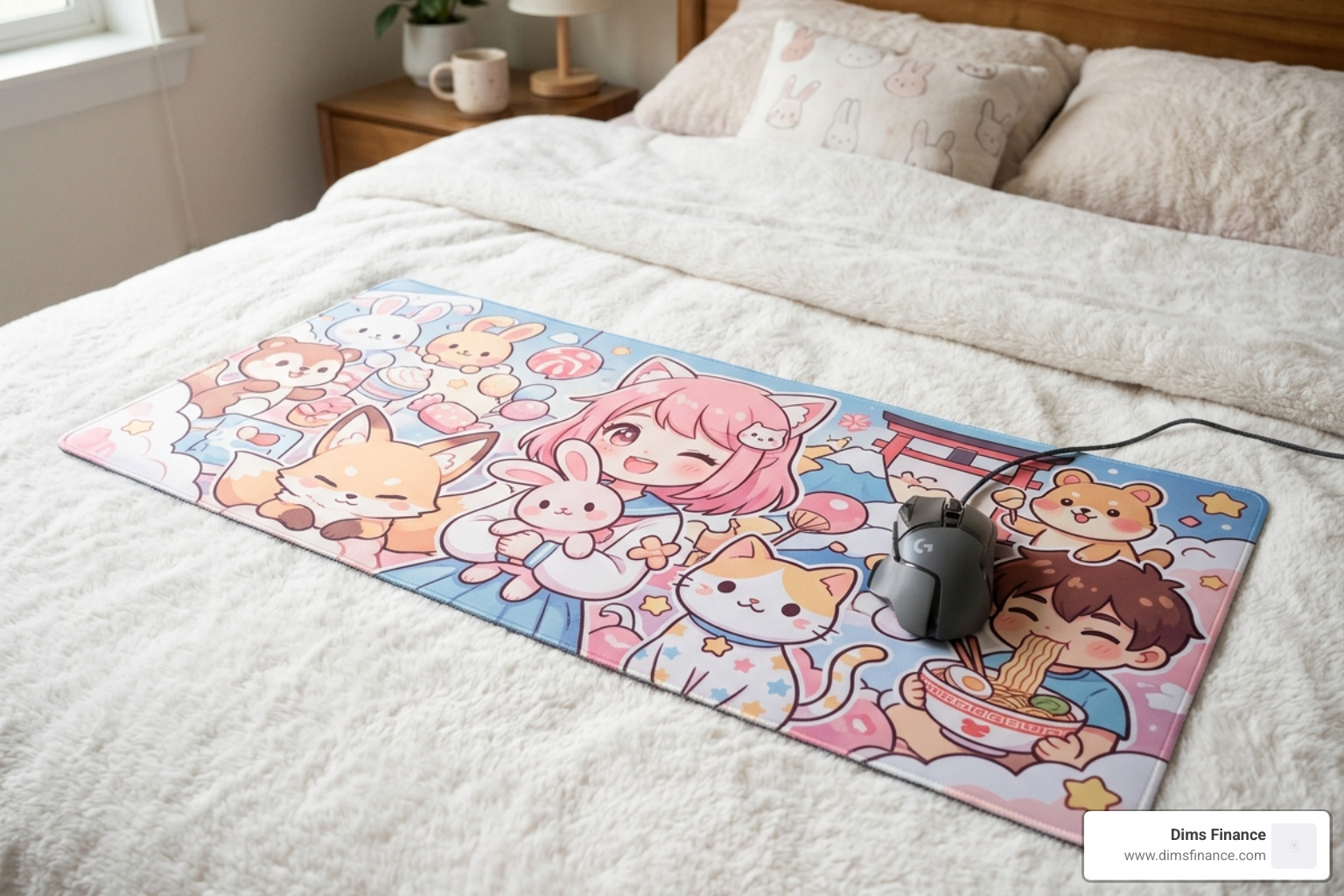
If you’re going this route, look for mats with anti-fray stitched edges and a non-slip rubber base. For example:
- The Cozy Snuggle Buddies Gaming Large Mousepad is oversized (38x78cm), which means you can place your laptop on the mat to anchor it down, leaving plenty of room for your mouse.
- The Gudetama Adventure Lying On The Bed Large Mouse Pad uses a natural rubber base that grips remarkably well to cotton sheets.
These mats are usually made of 3mm neoprene, which provides enough “body” to stay flat even on a duvet. Plus, the “kawaii” or “lofi” aesthetics can turn your bed into a cozy sanctuary rather than a cluttered workspace.
Maintenance and Durability for Bed-Based Workspaces
Let’s be honest: beds are messy. Between coffee spills, pet hair, and general dust, a mouse pad for bed use takes a lot more punishment than one on a clean office desk.
Care and Cleaning: Most bed-friendly mouse pads, like the WoWoWong Sleepy Gaming Mouse Pad, feature 100% polyester tops. These should generally be spot cleaned with a damp cloth. Avoid throwing them in the washing machine unless the manufacturer explicitly says so, as the heat can delaminate the glue between the fabric and the rubber base.
For those who want the ultimate in durability, the Lofi Desk Mat – Cozy Naps Sleeping Cat & Rain Design is noted for being “spill-proof.” This usually means the fabric has been treated with a hydrophobic coating that causes liquids to bead up rather than soak in—a lifesaver if you’re prone to knocking over a glass of water on your nightstand.
Durability Tips:
- Stitched Edges: Always opt for stitched edges. In the heat and humidity of a bed (especially if you use a laptop that vents heat downward), the edges of cheap mouse pads will peel within months.
- Rubber Bases: Look for natural rubber. It stays “grippy” longer than synthetic foams and is less likely to crumble over time.
- Flat Storage: If you use a hard resin pad, don’t store it under your mattress where it can warp. Keep it flat on a bedside table or in a laptop sleeve.
Frequently Asked Questions about Bed Mouse Pads
How do I stop my mouse from sliding off the bed?
The best way to stop “mouse drift” is to use a pad with a raised lip or a beanbag base. The raised lip acts as a physical barrier. If you are using a standard pad, try to ensure your laptop is on a lap desk or a hard tray, and place the mouse pad on that same level surface. Friction is your friend—pads with a “heavy” rubber base (3mm or thicker) are less likely to move than thin, lightweight ones.
Are beanbag mouse pads better than lap desks?
It depends on your goal. A lap desk is better if you need a place for both your laptop and your mouse. However, lap desks can be bulky and hot. A beanbag mouse pad is superior for pure ergonomics and portability. It allows you to position your mouse independently of your laptop, which is often more comfortable for your shoulder alignment.
Can I use a standard gaming mouse pad on a comforter?
You can, but it’s not ideal. Standard gaming pads are designed to be used on flat surfaces. On a comforter, the “squish” of the blanket will cause the pad to dip every time you apply pressure to the mouse. This leads to poor tracking and wrist fatigue. If you must use a standard pad, look for “Hard” versions (like resin or plastic) rather than “Cloth” versions.
Conclusion
At Dims Finance, we believe that your workspace should work for you—even if that “workspace” is under a weighted blanket on a Sunday morning. Whether you’re a gamer trying to hit your headshots from a reclined position or a professional finishing up a report before sleep, the right mouse pad for bed is an investment in your long-term comfort.
By choosing a pad that offers stability (like a beanbag base) and ergonomic support (like a raised wrist rest), you can prevent the RSI and wrist pain that often come with “couch-potato” computing. Don’t let a lack of a flat surface stop you from being productive—or just enjoying your favorite game.
For more tips on setting up a pain-free environment, check out our ultimate guide to ergonomic mouse pads for your office or explore more ergonomic desk accessories to optimize your setup from the bedroom to the boardroom.