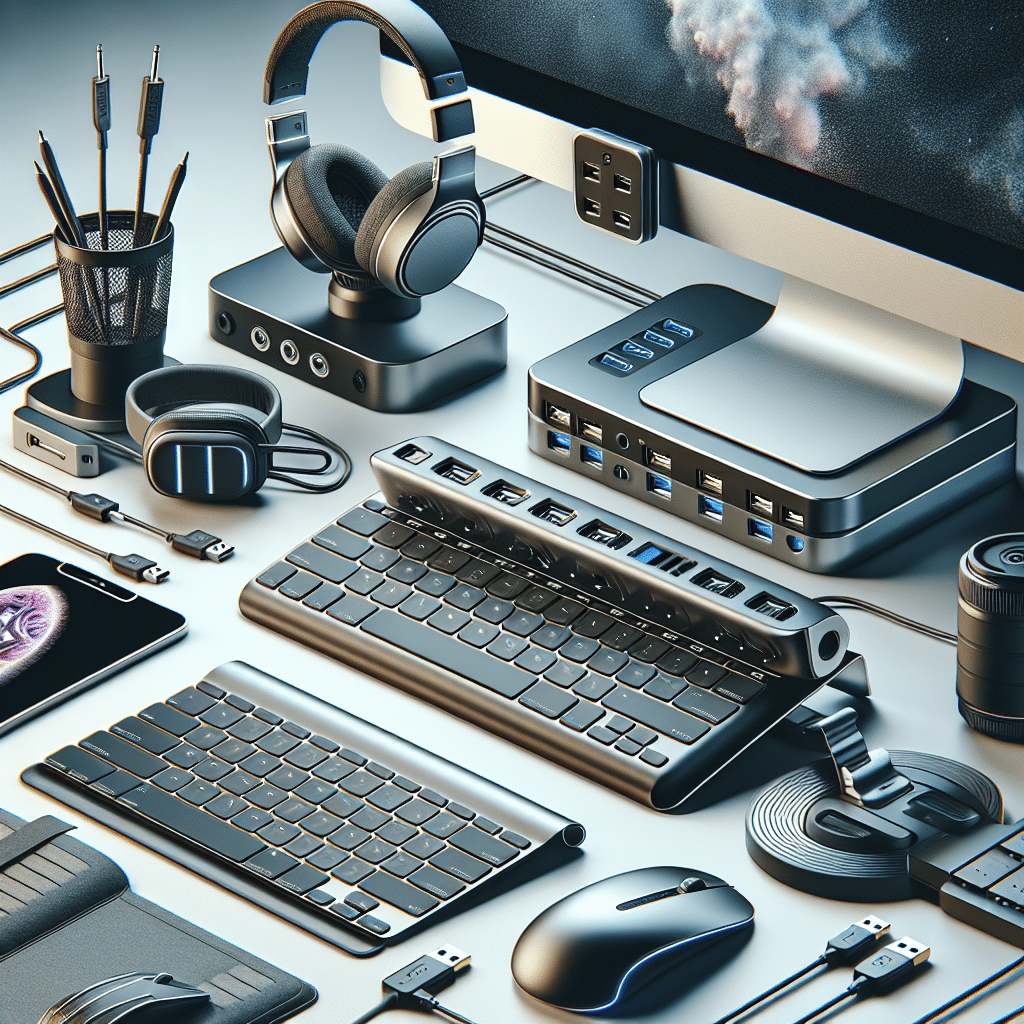
Essential Tech Accessories to Boost Workflow Efficiency
1. Ergonomic Keyboards
An ergonomic keyboard is designed to minimize strain on the wrists and fingers, promoting a more natural hand position. These keyboards often have a split layout or a built-in wrist rest to support users during long typing sessions. Models like the Kinesis Advantage2 and Microsoft Sculpt are popular for their comfort and productivity enhancements. The comfort they bring can significantly reduce typing fatigue, leading to longer periods of effective work.
2. Vertical Mice
Traditional mice can cause wrist strain over time, especially during extended usage. A vertical mouse, such as the Logitech MX Vertical, holds the wrist in a natural handshake position, preventing strain. Users often notice an increase in comfort levels and a reduction in pain, allowing them to work longer without discomfort. The precision offered by these devices also enhances accuracy when navigating complex applications, thus improving workflow.
3. High-Resolution Monitors
An upgraded monitor can dynamically change your workflow efficiency. High-resolution displays, such as 4K or ultrawide monitors, provide ample screen real estate for multitasking. By using a display like the Dell UltraSharp U2720Q, professionals can run multiple applications simultaneously, reducing the need to switch between tabs. PIP (Picture-in-Picture) modes make it easier to keep an eye on important tasks or communications while working on others.
4. Monitor Arms
In conjunction with high-resolution monitors, monitor arms can enhance ergonomics and adjustability. Adjustable mounts allow users to reposition their screens to optimal eye level, reducing neck strain. The HUANUO Monitor Stand is a popular choice, providing versatility and maintaining a tidy work surface. Proper positioning of monitors can minimize distractions and help maintain focus, further increasing productivity.
5. Noise-Canceling Headphones
In productive environments, minimizing distractions is critical. Noise-canceling headphones, like the Bose Noise Cancelling Headphones 700, can help professionals concentrate by eliminating background noise. Features such as transparent audio mode allow users to interact with their surroundings when necessary without taking off the headphones. For tasks requiring deep focus, these headphones prove invaluable.
6. External SSDs
Data access speed is crucial for efficiency, especially when working with large files or applications. External solid-state drives (SSDs) provide fast data transfer rates compared to traditional hard drives. Models like the Samsung T7 Portable SSD offer both rapid file access and robust data security features. These drives are essential for professionals who manage extensive media libraries or require quick read/write capabilities for heavy software.
7. USB Hubs
As devices become more reliant on USB connections, having an effective USB hub is essential. A hub, such as the Anker 10-Port USB 3.0 Hub, allows users to connect multiple peripherals simultaneously, ensuring a more organized workspace. With the additional ports, you can easily connect keyboards, mice, external drives, and even chargers without having to unplug devices continually.
8. Cable Management Solutions
Tangled cables can be a significant distraction in a workspace. Cable management solutions like adhesive cable clips or cable sleeves can keep cables organized and out of sight. Tools such as the Velcro Cable Ties are inexpensive yet impactful in maintaining a tidy workspace. When cables are organized, it not only looks better but also makes it easier to focus and locate connections when necessary.
9. Mobile Device Stands
As remote work becomes more prevalent, mobile devices play a critical role in communication and productivity. Mobile device stands, such as the Lamicall Phone Holder, provide an adjustable platform for smartphones or tablets, allowing for better visibility during video calls or while reading documents. This flexibility makes multitasking more manageable, enhancing overall workflow.
10. Smart Plugs
Smart plugs can make any ordinary device into a smart device. By allowing users to schedule on/off times for multiple devices, smart plugs like the TP-Link Kasa Smart Plug can help streamline daily tasks. Automating the power for lamps, charging stations, and other essential equipment can reduce time wastage, ensuring a more efficient environment.
11. Cloud Storage Solutions
Using cloud storage services like Google Drive or Dropbox can significantly enhance workflow efficiency. These solutions provide real-time collaboration features, enabling teams to work together seamlessly, regardless of location. With shared access to documents and auto-save functionalities, professionals can focus on their tasks without worrying about data loss or version control issues.
12. Task Management Tools
Task management platforms such as Trello or Asana can organize projects and streamline workflows effectively. These tools help in breaking tasks into manageable pieces, setting deadlines, and tracking progress. When teams have clear visibility of their responsibilities, collaboration becomes smoother, ensuring project timelines are met with less stress.
13. Smart Whiteboards
Smart whiteboards like the Samsung Flip or Microsoft Surface Hub disrupt traditional brainstorming methods, facilitating digital collaboration. These boards allow teams to jot down ideas electronically and share them instantly with remote collaborators, enhancing group productivity. With features like touch sensitivity and digital templates, they encourage creativity and a free flow of ideas.
14. Printing Solutions
Efficient printing solutions can enhance the workflow significantly. All-in-one printer scanners offer multi-functionality, allowing users to print, scan, copy, and fax without having to switch devices. High-speed printers like the Brother MFC-L3770CDW ensure that documents can be printed without significant delay, which is essential in maintaining workflow momentum.
15. Portable Chargers
In the age of mobility, having a reliable portable charger is essential. Devices such as the Anker PowerCore provide rapid charging capabilities for smartphones, tablets, and other USB devices. Keeping devices charged ensures that productivity isn’t interrupted, especially during business trips or between client meetings.
16. Organizational Apps
Using organizational apps such as Evernote or Notion greatly enhances personal workflow. These platforms help individuals keep track of notes, ideas, and to-do lists, all in one location. By providing a digital workspace that is accessible across devices, users can remain organized and prioritize effectively.
17. Smart Assistants
Devices like Google Nest or Amazon Echo serve as smart assistants, helping to streamline tasks with voice commands. These assistants can schedule reminders, set timers, or even control other smart devices in the office, allowing users to focus on their work without physical interruptions.
18. Blue Light Blocking Glasses
Extended screen time can lead to eye strain. Blue light blocking glasses can reduce glare and improve comfort, mitigating fatigue while working on screens. Brands such as Felix Gray offer stylish options that combine effectiveness with a professional look, allowing users to maintain productivity without compromising eye health.
19. Desk Organizers
An organized desk leads to a more efficient workflow. Desk organizers, such as mesh file inboxes, can help keep documents, pens, and other office supplies neatly arranged. Keeping the surface free of clutter fosters better concentration, enabling users to shift their focus to critical tasks at hand.
20. Time Tracker Software
Time management software like Clockify allows users to monitor how time is spent throughout the day. By logging hours spent on tasks, users can identify patterns in productivity, helping them manage projects and personal workloads more effectively. These insights can reveal time-wasting habits and promote better planning.
21. Digital Note-taking Devices
Digital note-taking devices such as the Rocketbook allow for seamless conversion of handwritten notes into digital formats. This blend of analog and digital productivity can enhance workflows, particularly for those who prefer the tactile experience of writing while still needing to store and share ideas efficiently.
22. Smartphone Projectors
For presentations on the go, portable smartphone projectors can make a significant difference. Devices like the Anker Nebula Capsule allow users to project slideshows or videos from their smartphones to large surfaces, creating engaging presentations without needing a large setup. They enhance flexibility and accessibility during meetings, especially for remote or freelance professionals.
23. File Storage Solutions
Traditional file storage solutions can be bulky and slow. Utilizing portable file storage options like the Portable Document Scanner can allow for digital access to important documents. Users can scan and save vital paper files instantly, enabling easier organization and retrieval when needed.
24. Specialized Software
Investing in software tailored to specific professional needs can improve productivity dramatically. For example, design software like Adobe Creative Cloud or coding platforms like Visual Studio Code can streamline workflows for creatives or developers by providing specialized tools that enhance their effectiveness in completing tasks.
25. Healthy Snack Dispensers
While it may seem minimal, having a healthy snack dispenser ensures that employees maintain energy levels throughout the day. Options such as nut dispensers promote healthier eating habits, ultimately contributing to better focus and productivity.
26. Collaborative Tools
Platforms like Slack or Zoom can transform communication within teams. By allowing seamless chat, calling, and file sharing, these tools keep workflows fluid, ensuring everyone remains on the same page. Integration capabilities with other software further enhance their utility, making them indispensable in modern workplaces.
27. Digital Calendars
Switching to digital calendars can improve how anyone manages their time. Google Calendar integrates well with various applications, offering reminders and shared access for team coordination. Having a visual representation of tasks, deadlines, and meetings can significantly enhance workflow planning and execution.
28. Mind-Mapping Tools
For brainstorming and idea generation, mind-mapping tools like MindMeister can visualize thoughts and projects, allowing teams to develop concepts iteratively. By promoting a collaborative brainstorming environment, these tools can lead to innovative solutions and a more engaged work culture.
29. Feedback Tools
Using feedback tools, such as SurveyMonkey or Typeform, can help refine projects and processes based on constructive critique. By gathering insights and opinions from team members or customers, businesses can adapt their strategies effectively, leading to improved outcomes. With actionable data at your fingertips, adjustments can be made swiftly to enhance efficiencies.
30. Telecommuting Accessories
As remote work becomes a standard practice, accessories that support telecommuting are essential. Tools like portable webcams and ring lights can greatly enhance video call quality, providing a more professional appearance during client meetings. Ensuring clear visibility and sound invites better communication and collaboration, which is critical for workflow efficiency.
Final Thoughts
With the right tech accessories integrated into your workspace, enhancing workflow efficiency becomes not just possible but also optimized for every professional’s needs. From ergonomic solutions to digital collaboration tools, each accessory plays a vital role in shaping a productive work environment, helping professionals navigate their tasks with ease. The combination of comfort, organization, and technology ensures that teams and individuals can thrive, ultimately translating into increased productivity and satisfaction in their work.