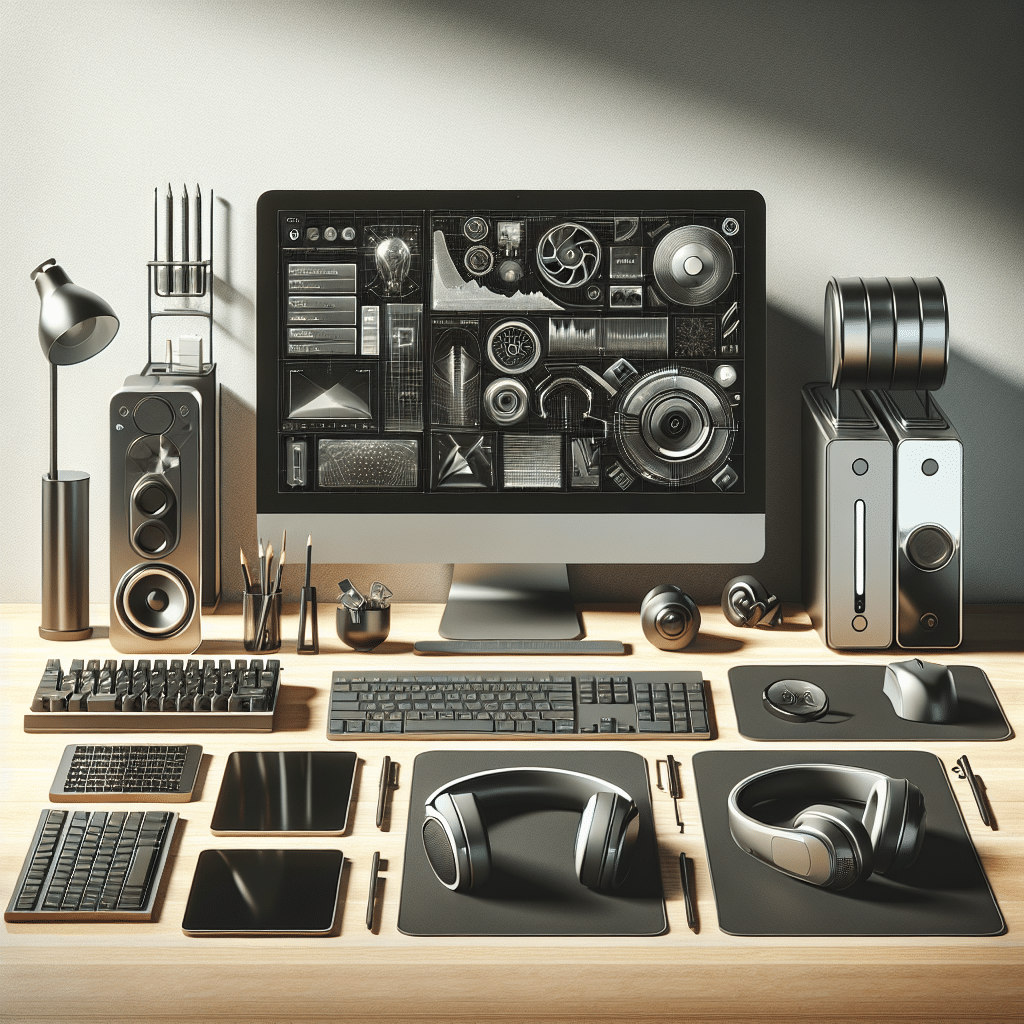
Tech Accessories That Improve Workflow Efficiency
Ergonomic Keyboards
An ergonomic keyboard is designed to reduce strain on the hands and wrists during typing. It typically features a split layout that allows for a more natural hand position, thus minimizing the risk of repetitive strain injuries (RSIs). Products like the Kinesis Advantage2 or Logitech Ergo K860 stand out because of their responsive keys and adjustable settings. Incorporating an ergonomic keyboard can significantly enhance typing speed and comfort, ultimately improving overall workflow efficiency.
Mechanical Keyboards
For those who demand tactile feedback while typing, mechanical keyboards are an excellent choice. They provide satisfying auditory and tactile responses that can enhance typing accuracy. Keyboards like the Keychron K6 or the Razer Huntsman Elite come with customizable RGB lighting and key switches that cater to personal preferences. By improving typing experience and reducing fatigue, these keyboards empower users to work faster.
High-Resolution Monitors
A high-resolution monitor is crucial for multitasking, especially for professionals working with data, graphics, or videos. A 4K monitor like the Dell UltraSharp U2720Q allows multiple applications to be visible simultaneously, enabling seamless transitions between tasks. High refresh rates and wider color gamuts also support creative work, thus speeding up project turnaround times.
Multi-Monitor Setups
Deploying a multi-monitor setup is a widely utilized strategy to boost productivity. With dual or even triple screens, users can spread their workload across several displays, reducing the need for constant tab switching. Mounting arms, like the VIVO Dual Monitor Desk Mount, facilitate better ergonomics and workspace organization. Research indicates that using multiple screens can increase productivity by as much as 42%, making it a worthy investment.
Docking Stations
Docking stations simplify connectivity for laptops, particularly for those who operate in various locations. A good docking station like the Dell D6000 provides essential ports (USB-C, HDMI, Ethernet) for quick connection to devices. This accessory reduces cable clutter, allowing for a neater workspace and less time spent connecting peripherals. Docking stations are particularly beneficial for remote workers transitioning between home and office environments.
Wireless Mice
A wireless mouse enhances mobility without compromising functionality. Products like the Logitech MX Master 3 offer customizable buttons and advanced scrolling features. The ergonomic design encourages natural hand positioning, making prolonged usage comfortable. Wireless mice help in streamlining workflow by eliminating cable constraints, enabling smoother navigational efficiency.
Noise-Canceling Headphones
In environments where concentration is key, noise-canceling headphones can dramatically improve focus and productivity. Models like the Sony WH-1000XM4 provide outstanding sound quality and significant noise cancellation. By minimizing distractions, users can immerse themselves in work, leading to enhanced performance and creative output. Many also incorporate features for managing calls, making them ideal for remote work scenarios.
Task Lighting
Good lighting is essential for maintaining focus and reducing eye strain. Adjustable task lamps, such as the BenQ e-Reading LED Desk Lamp, offer customizable brightness and color temperature settings. Proper lighting can enhance mood and work efficiency, especially in dimly lit environments, contributing to longer productive hours.
Standing Desks
Adopting a standing desk can mitigate the adverse effects of prolonged sitting. Models like the Flexispot E7 allow users to switch between standing and seated positions easily, promoting better posture and energy levels. Research suggests that standing desks can increase productivity by 10-20%, paving the way for a more dynamic work routine.
Cable Management Solutions
Chaos from tangled cables can disrupt workflow and create frustrating distractions. Cable management tools like the Anker Cable Management Sleeve or cable clips simplify organization. By keeping workspaces tidy and orderly, users can minimize visual clutter, which can significantly enhance focus and productivity.
Whiteboard and Collaboration Tools
Physical and digital whiteboards facilitate collaboration and brainstorming within teams. Tools like the Miro digital whiteboard or a traditional dry-erase board foster visual thinking and dynamic idea generation. They are particularly useful for remote teams coordinating projects, as they keep all team members on the same page and streamline communication.
Privacy Screens
For those in open office environments, privacy screens can protect sensitive information on computer monitors. These accessories limit viewing angles so that only the person directly in front of the screen can see the content. This not only safeguards data but also allows employees to work with confidence, minimizing potential distractions from onlookers.
USB Hubs
USB hubs expand the number of available ports on laptops and desktop computers. As many devices require USB connectivity, products like the Anker 10-Port USB Hub ensure that users can connect multiple peripherals without constant switching. By offering adequate connectivity, users can maintain cleaner workflows without the hassle of unplugging and replugging devices.
Task Management Apps and Tools
While not a physical accessory, software tools and apps like Trello or Asana can dramatically improve organizational workflow. These applications help users prioritize tasks, set deadlines, and collaborate with teammates. Ensuring seamless integration with other software used in the workplace is crucial for maximizing productivity.
Portable Chargers
For mobile professionals, portable chargers are invaluable. Devices like the Anker PowerCore series allow users to charge their gadgets on the go, ensuring that laptops and smartphones stay powered throughout the workday. Keeping devices charged eliminates the anxiety of battery life, allowing for uninterrupted workflow.
Screen Protectors
Using screen protectors can enhance device longevity and maintain clarity, aiding task efficiency. Products with anti-glare features can improve visibility in bright environments, thus reducing eye strain. Ensuring that screens are free from scratches and smudges contributes to overall productivity by providing a clear view of work materials.
Digital Notepads
Digital notepads, such as the reMarkable tablet, allow users to take handwritten notes while digitizing them in real time. This blend of traditional note-taking with digital storage enhances organization and ease of access. Various applications enable quick searchability, making it easier to retrieve important information, thus improving workflow efficiency.
Fitness and Wellness Accessories
Staying active and healthy is key to sustaining high productivity levels. Accessories such as posture-correcting chairs, yoga balls, or footrests can motivate employees to remain active during work hours. Incorporating wellness into the workspace can lead to increased focus, energy, and overall job satisfaction.
Projector and Presentation Tools
For those who conduct frequent presentations, high-quality projectors can enhance visuals and overall effectiveness. Portable projectors, such as the Anker Nebula Capsule, pair well with laptops, making presenting remotely seamless. Providing clear visuals aids in the conveyance of ideas, ensuring that messages stay impactful and resonant.
Smart Pens
Smart pens enable users to take notes by hand while simultaneously digitizing them. Devices like the Livescribe Smartpen work in conjunction with special notebooks to transcribe handwritten notes into digital formats. This versatile functionality streamlines documentation and allows for easy sharing and searching of notes.
Virtual Reality Headsets
Although still emerging in many workplaces, virtual reality (VR) headsets can offer immersive training experiences or collaborative creative environments. Tools like the Oculus Quest 2 allow teams to brainstorm and simulate scenarios realistically, enhancing engagement and team dynamics.
Conclusion on Workflow Efficiency Accessories
In an increasingly fast-paced world, equipping yourself with the right tech accessories can spell the difference between stagnation and efficient productivity. By thoughtfully incorporating these tools into daily routines, individuals can create an environment poised for enhanced productivity and collaboration, paving the way for success in both personal and professional realms.