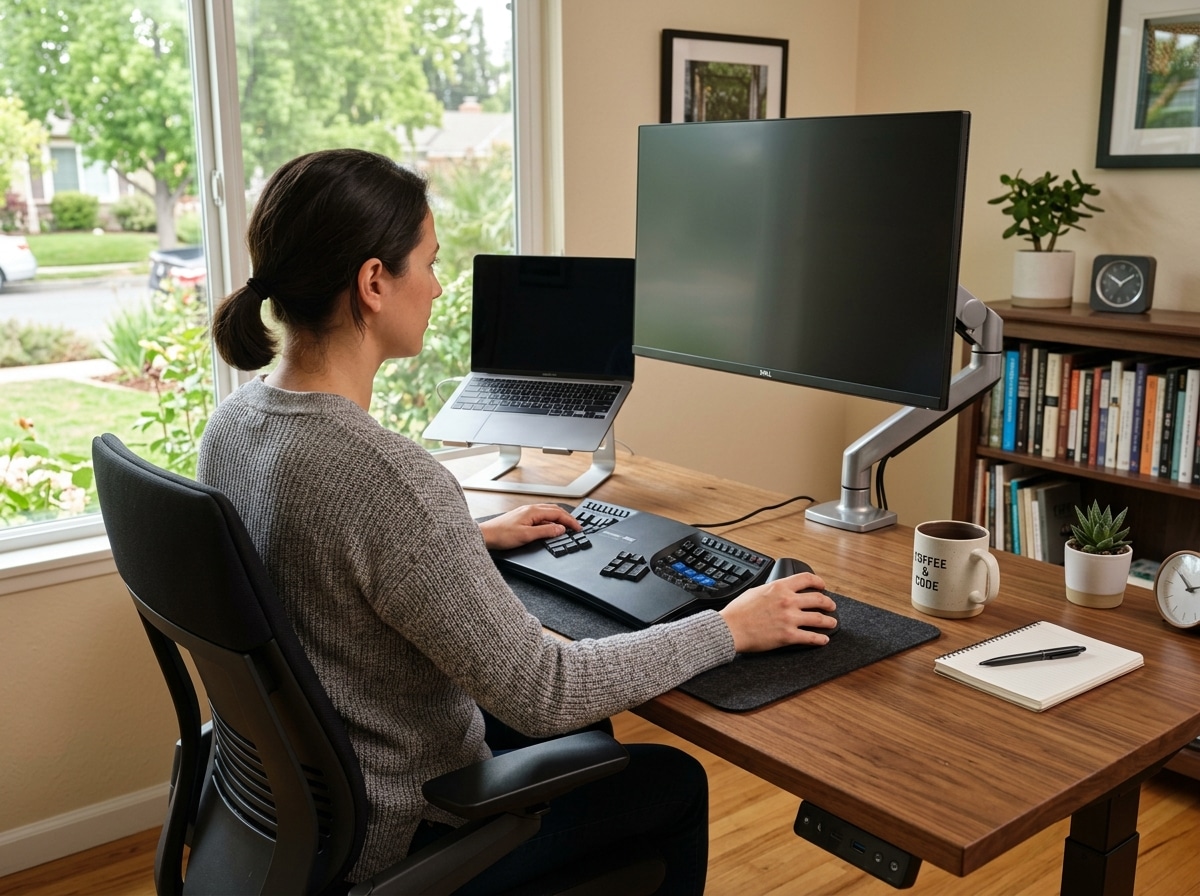
Why Your Mouse Could Be Hurting You (And What to Do About It)
The best rsi mouse can make a real difference if you spend hours at a computer and feel pain in your wrist, forearm, or hand.
Here are the top picks at a glance:
| Mouse | Type | Best For |
|---|---|---|
| Logitech MX Master 4 | Sculpted horizontal | Office productivity, large hands |
| Hansker Productivity | Vertical | All-day comfort, stylish design |
| Razer Pro Click V2 Vertical | Vertical | Long battery life, wrist relief |
| Logitech MX Ergo S | Trackball | Zero wrist movement, precision |
| Logitech Lift | Vertical | Small hands, compact desks |
| Kensington Expert Mouse | Trackball | Accessibility, minimal arm movement |
Repetitive Strain Injury — or RSI — is pain in the muscles, nerves, and tendons caused by repetitive movement and overuse. For computer users, the mouse is a major culprit.
Constant clicking and gripping in an unnatural hand position puts stress on your wrist, forearm, and fingers. Over time, this can lead to serious conditions like carpal tunnel syndrome, tendonitis, or chronic wrist pain.
The good news? Switching to an ergonomic mouse designed for RSI relief can reduce discomfort without hurting how accurately you move. Studies show that angled and vertical mice reduce muscle pressure while keeping your movements just as precise.
This guide covers the top-tested RSI mice, what to look for, and how to set up your desk for long-term wrist health.

Key Features to Look for in the Best RSI Mouse
When we search for the best rsi mouse, we aren’t just looking for a fancy design. We are looking for a tool that changes how our bodies interact with technology. Traditional mice force your hand into a “pronated” position—flat against the desk. This twists the two bones in your forearm and puts pressure on the median nerve.
To find relief, we need to focus on features that promote a “neutral” posture. This is often described as the “handshake position,” where your thumb points upward and your palm faces inward.
Comparing Ergonomic Mouse Types
| Feature | Vertical Mouse | Trackball Mouse | Sculpted Horizontal |
|---|---|---|---|
| Wrist Position | Neutral (Handshake) | Semi-Neutral | Traditional (Slight Tilt) |
| Movement Source | Whole Arm/Shoulder | Thumb or Fingers Only | Wrist and Arm |
| Learning Curve | Moderate | High | Low |
| Best For | Forearm strain, Tendonitis | Wrist pain, Limited desk space | General comfort, Productivity |
Sensor Quality and High DPI
You might think high DPI (Dots Per Inch) is only for gamers, but it is a secret weapon for RSI prevention. A high-quality sensor allows the cursor to move across the screen with very little physical effort from your hand. If your mouse has a low-quality sensor, you might find yourself “rowing”—lifting the mouse and repositioning it repeatedly—which is a major trigger for strain.
Button Customization and Click Force
Repetitive clicking is a primary cause of finger fatigue. The best rsi mouse options often feature programmable buttons. By remapping common tasks (like double-clicking or “Enter”) to side buttons, we can distribute the workload across different fingers. Additionally, look for “low click force” switches. Some top-tier mice require as little as 29 grams of force to click, significantly reducing the strain on your tendons.
Weight and Connectivity
Weight is a double-edged sword. While ultralight gaming mice (40-60 grams) are easy to flick, a slightly heavier ergonomic mouse (like the 150-gram Logitech MX Master 4) can provide better stability for office work, preventing the micro-jitters that cause muscle tension. Connectivity is also key; a wireless setup removes cable drag, which can subtly tug at your wrist during movement.
According to scientific research on angled and vertical mice, these designs can reduce discomfort without significantly impacting the accuracy of your movements. This is why we advocate for a science-based ergonomic keyboard and mouse setup to ensure your entire workstation supports your health.
Top-Rated Picks for the Best RSI Mouse in 2025
Finding the right mouse is a personal journey. What works for a professional gamer might be a nightmare for an accountant. We’ve rounded up the top performers based on real-world testing and ergonomic principles.
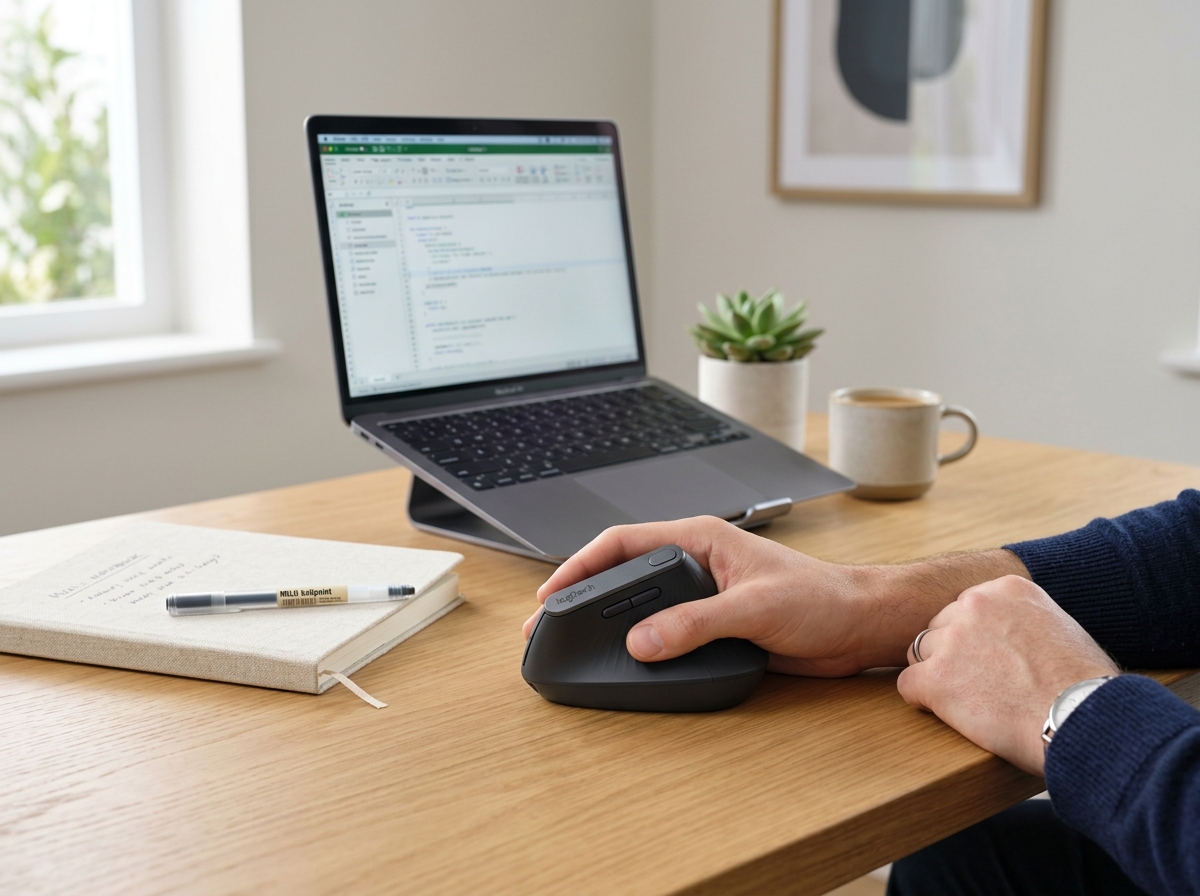
Before diving into the specifics, it’s worth considering your entire setup. Many users find that pairing their mouse with the right keyboard is the final piece of the puzzle. You can find more info about wireless keyboard and mouse combos to help create a cohesive, pain-free environment.
Best RSI Mouse for Office Productivity
Logitech MX Master 4
The Logitech MX Master 4 is widely considered the gold standard for office work. It isn’t a vertical mouse, but its heavily sculpted shape provides a deep thumb rest and an angled grip that is much more comfortable than a standard mouse.
- Weight: 150 grams (providing a sturdy, precise feel).
- Key Feature: The MagSpeed electromagnetic scroll wheel can scroll 1,000 lines per second, reducing the repetitive flicking motion of your index finger.
- Customization: Using the Logi Options+ app, we can remap every button to specific software functions, which is a lifesaver for heavy Excel or Photoshop users.
Hansker Productivity
If you are ready to go fully vertical, the Hansker Productivity is perhaps the most refined option on the market. It balances professional aesthetics with a high-performance Pixart sensor.
- Ergonomics: It places the hand at a 57-degree angle, which is the “sweet spot” for reducing forearm pressure.
- Price: Around $115, making it a premium but worthwhile investment for those with chronic forearm pain.
Razer Pro Click V2 Vertical
Razer took their gaming expertise and applied it to the office. The Pro Click V2 Vertical features a 30K optical sensor and a battery life that lasts up to six months. It’s sleek, refined, and lacks the “sharp edges” often found in gaming gear, making it perfect for a corporate desk.
Best RSI Mouse for Precision and Trackball Lovers
Logitech MX Ergo S
For those who want to eliminate wrist movement entirely, the MX Ergo S is our top thumb-operated trackball pick.
- Adjustable Tilt: A unique metal hinge allows you to tilt the mouse between 0 and 20 degrees.
- Build Quality: It feels incredibly solid and hefty, staying exactly where you put it on the desk.
- Benefit: Because the mouse stays stationary, it is ideal for small desks or users who suffer from pain when moving their arm across a mousepad.
Kensington Expert Mouse
The Kensington Expert Mouse is a different beast altogether. It is a finger-operated trackball with a massive ball in the center and a physical scroll ring.
- Accessibility: It is ambidextrous, meaning left-handed users can use it just as easily as right-handed ones.
- Scrolling: The scroll ring is often cited as one of the most comfortable ways to navigate long documents without straining the fingers.
Desk Setup and Habits for RSI Prevention
Even the best rsi mouse can’t save you if your desk setup is working against you. Ergonomics is a holistic practice. We need to look at how our whole body sits at the workstation.
The L-Shaped Rule
Your chair height is the foundation. Adjust your seat so that your elbows rest comfortably on the armrests (or the desk) at a 90-degree angle, forming an “L” shape. Your wrists should be aligned with your elbows, not bent upward or downward. If your chair is too low, you’ll end up “reaching” for the mouse, which puts massive strain on your shoulder and neck.
Mouse Sensitivity and “Ghosting”
We recommend setting your mouse sensitivity (DPI) higher than you might be used to. This allows you to move the cursor across the entire screen with just a tiny movement of your hand. By reducing the “travel distance” of your arm, you significantly lower the repetitive stress on your joints.
Habits that Complement Your Mouse
- Micro-breaks: Follow the 20-20-20 rule. Every 20 minutes, look at something 20 feet away for 20 seconds, and give your “mouse hand” a quick stretch.
- Hand-Switching: If you are a power user, consider learning to use the mouse with your non-dominant hand. Some mice, like the DXT, are designed for easy switching to distribute the load.
- Soft Touches: Avoid “death-gripping” your mouse. Hold it as lightly as possible, like you’re holding a small bird.
To further enhance your comfort, we suggest looking into ergonomic wrist rests to keep your wrists in a neutral plane. You can also explore other ergonomic desk accessories like monitor arms and footrests to complete your pain-free setup.
Frequently Asked Questions about RSI Mice
What is the best mouse for carpal tunnel?
For carpal tunnel sufferers, vertical mice are usually the best choice. Carpal tunnel is often caused by pressure on the median nerve when the wrist is pressed against a hard surface in a flat (pronated) position. A vertical mouse rotates your hand into a “handshake” position, which moves the pressure away from the carpal tunnel and onto the outer edge of your hand.
How do I choose a mouse for small hands?
Hand size is critical for ergonomic comfort. If a mouse is too large, you’ll struggle to reach the buttons, causing “finger extension” strain. The Logitech Lift is specifically designed for small to medium hands (typically under 7 inches from the base of the palm to the tip of the middle finger). In real-world testing, users who are around 5’2″ have found the Lift to be much more comfortable than its larger sibling, the MX Vertical.
Are trackball mice better than vertical mice for RSI?
It depends on where your pain is located.
- Choose a Vertical Mouse if your pain is in your forearm or if you have “tennis elbow.” It fixes the twisting of the forearm bones.
- Choose a Trackball if your pain is in your wrist or shoulder. Since the mouse doesn’t move, your wrist stays still, and your shoulder doesn’t have to engage to move the device across the desk. That trackballs have a steeper learning curve—it can take about a week to get used to the precision.
Conclusion
Managing RSI isn’t just about buying a new gadget; it’s about making a commitment to your long-term health. At Dims Finance, we believe that science-based wellness is the key to a productive career. By choosing the best rsi mouse for your specific needs and optimizing your workstation, you can turn a painful workday into a comfortable, focused experience.
Whether you opt for the feature-rich Logitech MX Master 4, the vertical relief of the Hansker Productivity, or the stationary precision of a Kensington trackball, the most important step is listening to your body. Don’t wait for the pain to become chronic—invest in your “wrist management” today.
Ready to upgrade the rest of your office? Explore more ergonomic desk accessories to build the ultimate pain-free workspace.