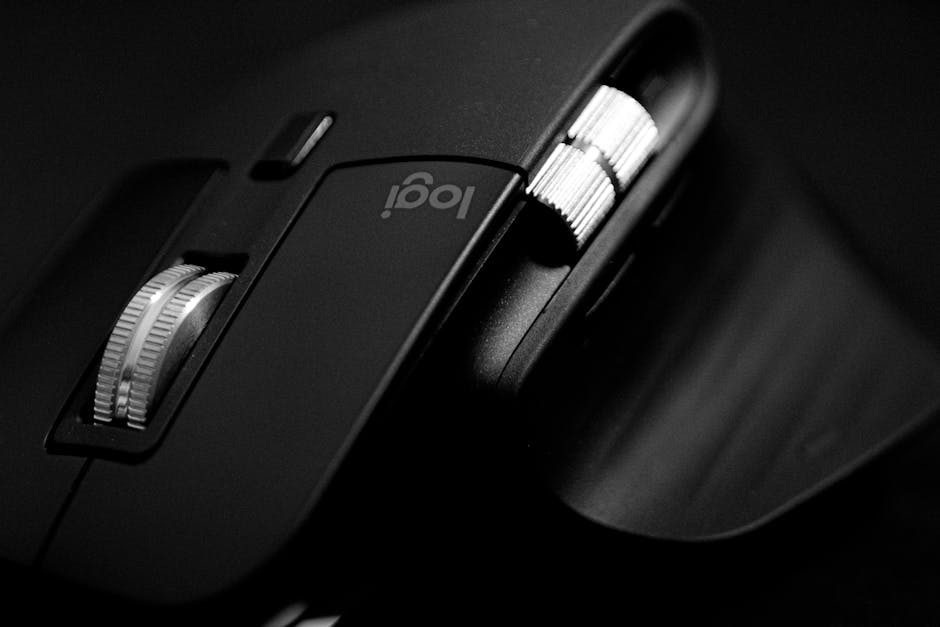
Why Your Wrist Hurts and What the Most Ergonomic Computer Mouse Can Do About It
The most ergonomic computer mouse is one that keeps your wrist and forearm in a natural, neutral position — reducing strain, preventing injury, and making long work sessions far more comfortable.
Here’s a quick look at the top options by type:
| Mouse Type | Best For | Top Pick |
|---|---|---|
| Vertical | Wrist/forearm strain | Logitech MX Vertical |
| Trackball | Limited desk space, RSI recovery | Logitech MX Ergo S |
| Traditional sculpted | Everyday productivity | Logitech MX Master 3S |
| Vertical (small hands) | Small to medium hands | Logitech Lift |
| Budget vertical | Cost-conscious buyers | TeckNet Rechargeable Vertical |
If you spend hours every day at a desk, your mouse is quietly working against you.
A standard mouse forces your forearm to rotate palm-down — a position called forearm pronation. Hold that position for eight hours a day, five days a week, and you start to feel it: a dull ache in the wrist, tightness in the forearm, or the sharp discomfort of repetitive strain injury (RSI).
It’s a surprisingly common problem. Conditions like carpal tunnel syndrome and tendonitis are directly linked to prolonged, awkward hand and wrist positioning during computer use.
The good news? The fix can be as simple as changing your mouse.
Ergonomic mice are specifically designed to keep your hand in a more natural position — similar to a relaxed handshake — so your muscles aren’t fighting gravity and unnatural angles all day. Studies show this kind of design can meaningfully reduce stress on the hand, wrist, and forearm.
But not every ergonomic mouse works the same way, and not every one is right for every person. Hand size, grip style, desk space, and the type of work you do all matter.
Below, we break down exactly what to look for — and which mice actually deliver.

Finding the Most Ergonomic Computer Mouse for Your Needs
When we talk about the most ergonomic computer mouse, we aren’t just talking about a “cool looking” gadget. We are looking at tools engineered to reduce muscle strain and improve tracking precision. Modern high-performance mice often feature 8K optical sensors, meaning you barely have to move your hand to send the cursor flying across a 4K monitor. This “less is more” approach to movement is a cornerstone of workplace health.
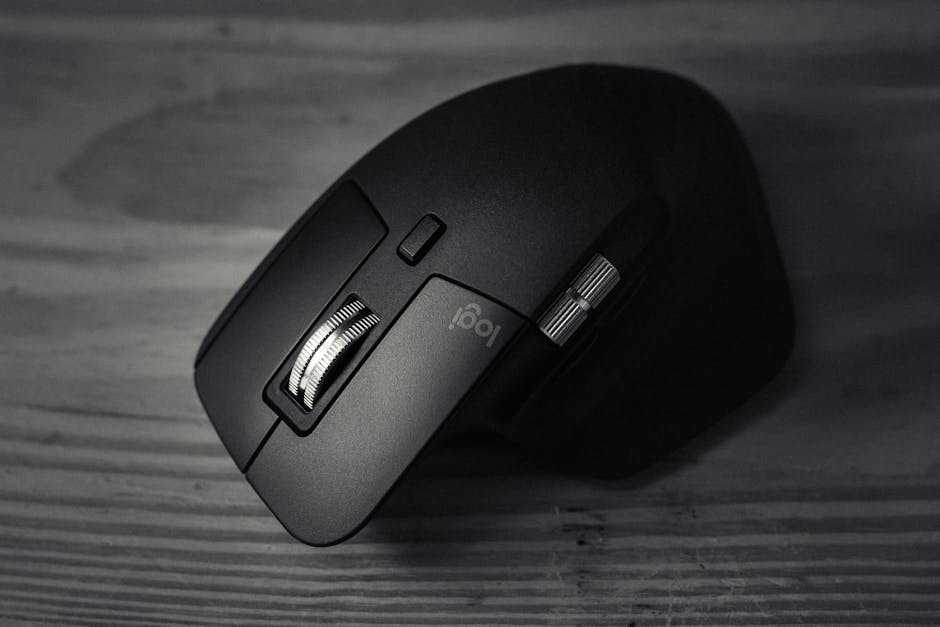
Scientific research confirms that angled and vertical mice can reduce discomfort without significantly impacting your accuracy. By tilting the mouse, you move the pressure away from the carpal tunnel area and onto the fleshy part of your palm.
At Dims Finance, we emphasize that a mouse is only one part of the puzzle. To truly fix the ache, you should look into your entire ergonomic-keyboard-and-mouse-setup to ensure your elbows are at a 90-degree angle and your shoulders remain relaxed.
The Most Ergonomic Computer Mouse for Small Hands
For a long time, ergonomic mice were “one size fits all,” which usually meant “too big for many people.” The Logitech Lift changed that. Specifically designed for small-to-medium hand sizes (typically those under 7 inches from wrist to middle fingertip), the Lift features a 57-degree vertical angle.
This “handshake” grip is incredibly intuitive. It features a rubberized grip that feels soft yet secure, and it boasts a 24-month battery life on a single AA cell. If you’ve ever felt like you were “reaching” for the buttons on a larger mouse, the Lift is likely your perfect match. Its silent clicks also make it a favorite for shared office spaces.
Choosing the Most Ergonomic Computer Mouse for Large Hands
If you have larger hands, the Logitech MX Vertical is the gold standard. In expert testing, it frequently receives high comfort scores (scoring an 8.5 out of 10 in some lab tests) because it provides ample palm support.
Unlike the Lift, the MX Vertical is rechargeable via USB-C, meaning you’ll never hunt for batteries. It is designed to reduce muscular activity by up to 10% compared to a traditional mouse. For power users, it offers excellent tracking precision, ensuring that your desk work remains efficient while your wrist stays pain-free.
Understanding the Main Types of Ergonomic Mice
Not all ergonomic mice look like a standard mouse tipped on its side. In our journey to help you find the most ergonomic computer mouse, we have to look at the three main form factors: Vertical, Trackball, and Traditional Sculpted. Each serves a different purpose in your ergonomic-desk-accessories-for-comfort toolkit.
Vertical Mice and Wrist Strain
Vertical mice are the heavy hitters of the ergonomic world. By placing your hand in a handshake grip, they eliminate “ulnar deviation” (that awkward side-to-side wrist snapping) and forearm twisting.
Models like the Razer Pro Click V2 or the Logitech MX Vertical are often the first choice for those already experiencing wrist pain. In professional lab tests, comfort is often weighted at 45% of the total score, and vertical mice consistently dominate this category. They are the ultimate tool for muscle fatigue prevention during 8-hour shifts.
Trackball Mice for Limited Space
What if you didn’t have to move your arm at all? That is the promise of the trackball. A trackball mouse stays in one spot on your desk. You control the cursor using your thumb or fingers to roll a ball embedded in the device.
The Logitech MX Ergo S is a standout here. It features an adjustable tilt hinge that allows you to choose between a 0-degree or a 20-degree angle. This flexibility is vital for improving forearm posture. Studies show that ergonomic mice like these can prevent repetitive stress by keeping the wrist stationary. If you have a cluttered desk or use your mouse on uneven surfaces (like a couch or a plane tray), a trackball is a lifesaver.
Traditional Sculpted Mice for Productivity
If a vertical mouse feels too “weird” for you, a traditional sculpted mouse is the middle ground. The Logitech MX Master 3S is the king of this category. It doesn’t put you in a full handshake position, but it offers a deep thumb rest and a shape that follows the natural curve of your palm.
It excels in performance, featuring electromagnetic scrolling that can fly through 1,000 lines of code in a second. With sensors that can track even on glass surfaces, it is the ultimate productivity tool for those who want comfort without a steep learning curve.
How Hand Size and Grip Style Dictate Comfort
Finding the most ergonomic computer mouse is a personal mission. What feels like a dream to your colleague might feel like a brick to you. The key is measuring your hand. Take a ruler and measure from the base of your palm to the tip of your middle finger.
| Hand Size | Measurement | Recommended Mouse Type |
|---|---|---|
| Small | Under 6.7 inches | Vertical (Compact) |
| Medium | 6.7 – 7.5 inches | Vertical or Sculpted |
| Large/XL | Over 7.5 inches | Large Vertical or Trackball |
Your grip style also matters:
- Palm Grip: You rest your entire hand on the mouse. You need a mouse with high palm support.
- Claw Grip: You arch your fingers. You might prefer a more compact, sculpted mouse.
- Fingertip Grip: Only your fingertips touch the mouse. Weight and sensor precision are your top priorities.
If you find yourself resting your wrist heavily on the desk, consider pairing your choice with ergonomic-wrist-rests-for-typing to maintain a straight line from your knuckles to your elbow.
Transitioning to an Ergonomic Setup
Switching to the most ergonomic computer mouse isn’t always instant bliss. There is a learning curve, especially with vertical and trackball designs. Your brain has spent years building muscle memory for a flat mouse; it needs a few days to adjust to the new “handshake” angle.
Common Pitfalls to Avoid
- Gripping Too Tight: Because vertical mice feel different, beginners often “squeeze” them. Relax your hand; let it drape over the mouse.
- Poor Placement: Even the best mouse won’t help if it’s too far away. Keep it close to your keyboard to avoid reaching.
- Ignoring Click Force: Some cheap mice require a lot of force to click, which strains your fingers. Expert tests look for “click force” metrics to ensure the buttons are snappy but light.
Expert testers have evaluated over 380 mice to find the perfect balance of scroll wheel quality and button tension. When you find the right one, you can use software customization to remap buttons, reducing the need for repetitive keyboard shortcuts.
Frequently Asked Questions
What is the best budget ergonomic mouse under $50?
You don’t have to spend $100 to get relief. The TeckNet Rechargeable Vertical is a fantastic value pick, often praised for being lightweight and offering a natural position for under $30. The Anker 2.4G Wireless Vertical is another legendary budget option that has helped thousands of office workers for years. If you prefer a trackball, the Logitech M575S offers a high value-to-performance ratio without the premium price tag of the MX series.
Can ergonomic mice be used for gaming?
Yes, though there are trade-offs. Most ergonomic mice prioritize comfort over the extreme “low weight” that competitive gamers crave. However, hybrids like the Razer Basilisk V3 offer amazing ergonomic sculpting with a high-end gaming sensor. If you aren’t a professional eSports player, the 8K sensors found in productivity mice are more than enough for casual gaming.
Are there ergonomic mice for left-handed users?
The “lefty” market is smaller, but options exist. The Logitech Lift comes in a dedicated left-handed version. For a more modular approach, the Microsoft Adaptive Mouse can be customized for either hand. Ambidextrous trackballs, where the ball is in the center, are also a great choice for lefties who want to minimize wrist movement.
Conclusion
At Dims Finance, our mission is to provide science-based advice to help you work smarter and live better. Choosing the most ergonomic computer mouse is one of the most impactful changes you can make for your long-term health. By reducing the threat of RSIs and carpal tunnel, you aren’t just fixing a sore wrist — you’re boosting your daily well-being and productivity.
Ready to complete your setup? Explore more info about ergonomic desk accessories to find the perfect keyboard, monitor riser, and chair to support your body while you work. Your future self (and your wrists) will thank you!