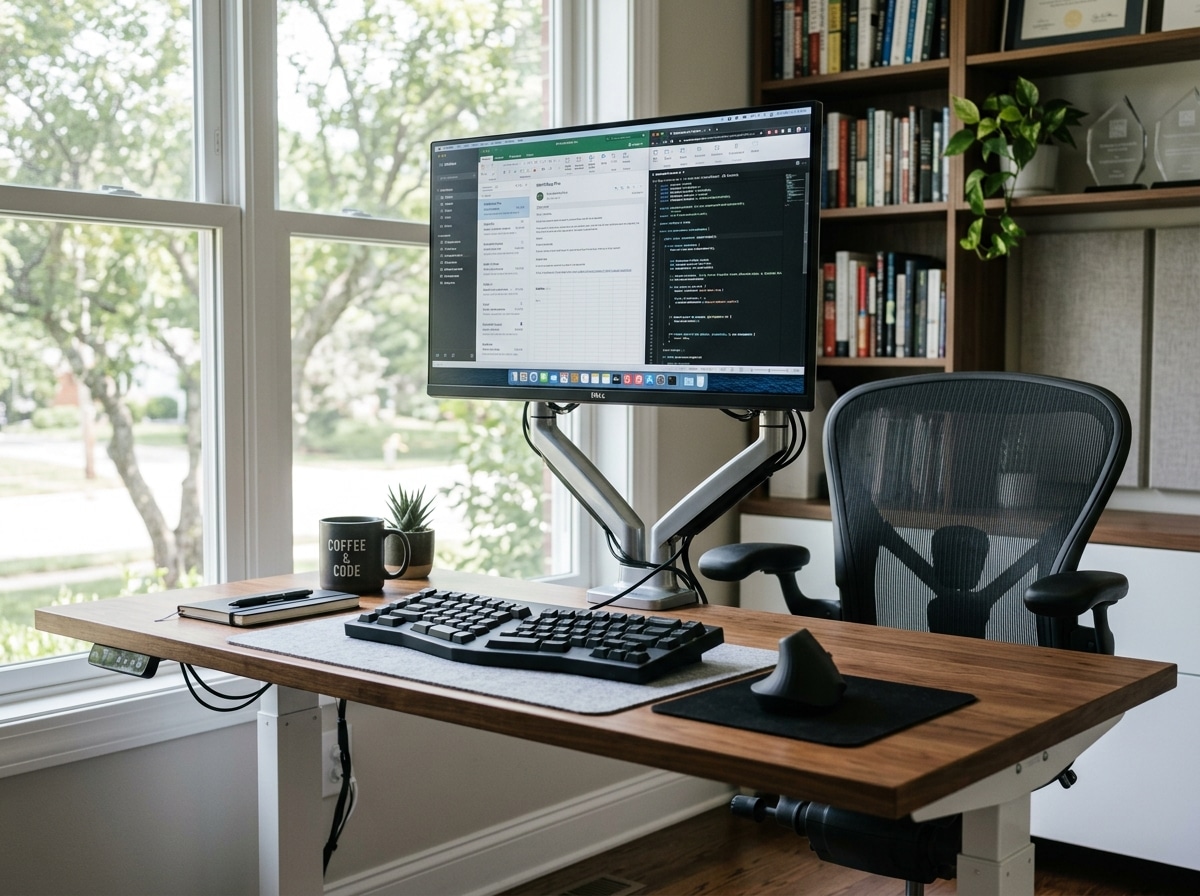
Are Split Keyboards Better? Here’s What You Need to Know
Are split keyboards better than standard keyboards for most people who type for hours each day? The short answer is: yes, for most heavy computer users, they are.
Here’s a quick summary:
| Factor | Split Keyboard | Standard Keyboard |
|---|---|---|
| Wrist angle | Neutral (0-5°) | Forced inward bend (10-15°) |
| Shoulder strain | Low – halves spread to shoulder width | Higher – arms pulled inward |
| RSI / carpal tunnel risk | Reduced | Higher with long-term use |
| Desk space flexibility | High | Low |
| Learning curve | 1-4 weeks | None |
| Long-term typing speed | Matches or exceeds baseline | Baseline |
The core problem with a standard keyboard is simple: it forces your wrists to bend outward and your arms to crowd inward. Do that for 6-8 hours a day, and your tendons, nerves, and muscles pay the price.
Split keyboards solve this by letting each half sit exactly where your hands naturally fall – roughly shoulder-width apart. That one change takes a surprising amount of stress off your wrists, forearms, and upper back.
Research backs this up. Studies show split layouts reduce ulnar deviation (outward wrist bending) by around 25% and wrist extension by about 6°, without any long-term loss in typing speed.
The adjustment period is real – most users see a temporary dip in typing speed for one to four weeks. But the long-term payoff in comfort and injury prevention is significant, especially if you’re already noticing wrist or shoulder tension.
What is a Split Keyboard and Are Split Keyboards Better for Your Health?
At its simplest, a split keyboard is exactly what it sounds like: a keyboard divided into two independent halves. Unlike a traditional “slab” keyboard, these modules can be moved, angled, and tilted to fit your body’s unique geometry rather than forcing your body to fit the plastic.
But why does this matter for your health? The answer lies in three main postural enemies: ulnar deviation, forearm pronation, and shoulder hunching.
Straightening the “Inward Bend”
When you type on a standard keyboard, your wrists are forced to bend outward toward your pinky fingers. This is called ulnar deviation. This position constricts the carpal tunnel, putting pressure on the median nerve. Over years, this “cocked” wrist position is a primary driver of Carpal Tunnel Syndrome and general wrist strain. By splitting the board, you can align each half with your forearms, mastering the neutral wrist position where your hands stay in a straight line with your arms.
Reducing Forearm Pronation
Most of us type with our palms facing perfectly flat against the desk. This requires your two forearm bones (the radius and ulna) to cross over each other, creating constant muscular tension. Split keyboards often feature “tenting”—propping the inner edges up—which allows your hands to rest at a more natural, angled position. Even a moderate 10–15° tilt can significantly reduce the pressure on your forearm muscles.
Opening the Chest
Traditional keyboards are narrow, forcing your shoulders to roll forward and your chest to collapse. This “hunch” leads to that all-too-familiar burning sensation between the shoulder blades. Because a split keyboard allows you to place the halves shoulder-width apart, it encourages an open chest posture. This reduces tension in the upper back and neck, providing a comprehensive ergonomic keyboard setup that addresses the whole upper body, not just the fingers.
By addressing these issues, split keyboards act as a vital tool for wrist management and RSI relief, helping to stop injuries before they become chronic.
Key Ergonomic Features to Look For
If you’ve decided to make the jump, you’ll find that not all split keyboards are created equal. Some are “fixed” (one piece but angled), while others are “fully split” (two separate pieces connected by a cable). To get the most out of your investment, look for these specific features.
Tenting and Negative Tilt
Tenting refers to raising the middle of the keyboard so it looks like a “tent.” This addresses the forearm pronation we mentioned earlier. Negative tilt, on the other hand, means the back of the keyboard (the side furthest from you) is lower than the front. This helps keep your wrists from “extending” or bending upward, which is another major cause of strain.
Columnar vs. Ortholinear Layouts
Standard keyboards use “staggered” rows—a relic from 19th-century typewriters where mechanical arms needed space to move. Your fingers, however, don’t naturally move in diagonal zig-zags; they move up and down.
- Ortholinear: Keys are in a perfect grid.
- Columnar Stagger: Keys are arranged in vertical columns but offset to match the different lengths of your fingers (e.g., the middle finger column is higher than the pinky column).
Thumb Clusters
On a normal keyboard, your strongest fingers—your thumbs—are only responsible for the spacebar. Split keyboards often feature “thumb clusters,” giving each thumb 2 to 6 keys to handle. This moves high-frequency keys like Backspace, Enter, and Shift away from your weak pinkies and onto your powerful thumbs.
Programmability and Hotswap Switches
Many high-end split boards allow you to “remap” every single key. If you want the “A” key to produce a “Q,” you can do it. This is great for creating “layers” (like a Shift key for your whole keyboard). Additionally, “hotswap” PCBs allow you to change the physical switches (the clicky bits) without soldering, ensuring you find the exact level of resistance that feels comfortable for your hands.
Don’t forget that even the best keyboard benefits from ergonomic wrist rests for typing. Just remember: rests are for your palms, not your wrists!

The Reality of the Learning Curve: What to Expect
We won’t sugarcoat it: the first few days with a split keyboard can feel like learning to ride a bike again. Your brain has decades of muscle memory tied to the old staggered layout. When you move to a split, and especially a columnar layout, that muscle memory has to be rewired.
The WPM Dip
Most users report an initial drop in typing speed. If you usually type at 80 Words Per Minute (WPM), you might drop to 20 or 30 WPM on day one. However, the recovery is usually fast.
- Week 1: You’ll likely reach 50-80% of your old speed.
- Week 2: Most users return to 100% of their baseline.
- Month 2-3: Many users actually exceed their old speed because the keys are more logically placed.
Adaptation Timelines
| Feature Changed | Difficulty | Recovery Time |
|---|---|---|
| Split Only (Staggered) | Low | 2-5 Days |
| Columnar Layout | Medium | 1-2 Weeks |
| New Key Map (e.g. Colemak) | High | 1-3 Months |
The transition is the perfect time to fix “bad” typing habits. If you’ve always used your right hand to hit keys on the left side of the board, a split keyboard will physically prevent that, forcing you to learn proper touch typing. This is a key part of keyboard wrist injury prevention, as it reduces the “hunting and pecking” that causes extra hand travel.
For those worried about productivity, we recommend switching during a slow week or spending 15 minutes a day on typing tutors like Keybr or Monkeytype. It’s a small price to pay for how employees can stop repetitive strain injuries before they start.
Why Programmers and Gamers Are Making the Switch
While anyone can benefit, two groups have led the split keyboard revolution: programmers and gamers.
For the Coders
Programmers spend their lives in text editors. Using firmware like QMK or VIA, they can create “layers.” Imagine holding a thumb key and suddenly your home row (A,S,D,F) becomes a navigation cluster (Left, Down, Up, Right) or a numpad. This means you never have to move your hands away from the home row to reach for arrow keys or the mouse. It’s the ultimate wireless and painless ergonomic keyboard experience.
For the Gamers
Have you ever bumped your mouse into the side of your keyboard during a frantic flick shot? Because split keyboards allow you to move the right half out of the way entirely, you gain massive amounts of desk space for your mouse. Some gamers even use just the left half of the keyboard for gaming, keeping their arms at a wide, comfortable stance.
Desk Space Optimization
A split keyboard creates “prime real estate” right in the middle of your desk. You can place a notepad, a tablet, or even a left-handed wireless mouse between the halves. This flexibility is a game-changer for desk space optimization.
Frequently Asked Questions About Split Keyboards
Are split keyboards better for preventing carpal tunnel?
Absolutely. Carpal Tunnel Syndrome is often caused by the compression of the median nerve due to ulnar deviation and wrist extension. By allowing a neutral wrist posture, split keyboards significantly reduce this pressure. They are a cornerstone of ergonomic keyboard and mouse setups for maximum comfort, promoting tendon health and reducing the repetitive micro-strains that lead to long-term injury.
How long does it take to adapt and are split keyboards better for speed?
As mentioned, the “functional” adaptation usually takes 1–2 weeks. Regarding speed, are split keyboards better for WPM? For many, yes. Once the learning curve is over, the reduced finger travel (especially on columnar or 40% layouts) and the use of thumb clusters for modifiers like Shift and Enter often result in a higher WPM and better accuracy than a standard keyboard could ever provide.
Are split keyboards better for beginners who don’t have pain yet?
Think of a split keyboard like a good office chair or a retirement fund—it’s an investment in your future self. You don’t wait until your back gives out to buy a supportive chair. Starting with a split keyboard early builds healthy posture habits and serves as preventative care. Following an ergonomic keyboard and mouse setup guide now can save you from years of physical therapy later.
Conclusion
At Dims Finance, we believe that your workspace should work for you, not against you. The evidence is clear: while traditional keyboards are a relic of the past, split keyboards represent a science-based leap forward in workplace ergonomics.
By reducing ulnar deviation, opening your posture, and allowing for total customization, these boards do more than just feel “nice”—they actively protect your well-being. Whether you are a programmer looking for efficiency, a gamer needing more mouse space, or an office worker wanting to end the day without a sore neck, a split keyboard is a powerful tool for RSI reduction and long-term health.
If you’re ready to take control of your comfort, explore desk accessories for maximum comfort and start your journey toward a pain-free, more productive workday. Your wrists will thank you.